Activity

ego

Shipped this project!

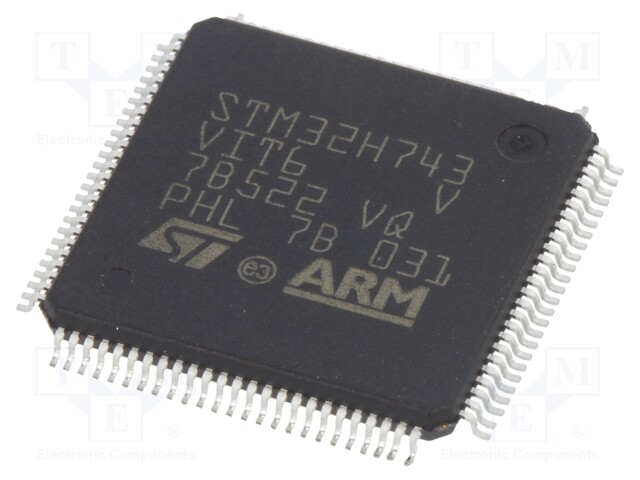
The hardware design phase has officially concluded, and I have ordered the PCBs! The final board features the STM32F412CEU6 as the main flight processor. Components for the 0603-sized footprints on the board are being sourced from LCSC.


As soon as the boards arrive and assembly is complete, I will provide further details.

ego

PCB Design Completed!

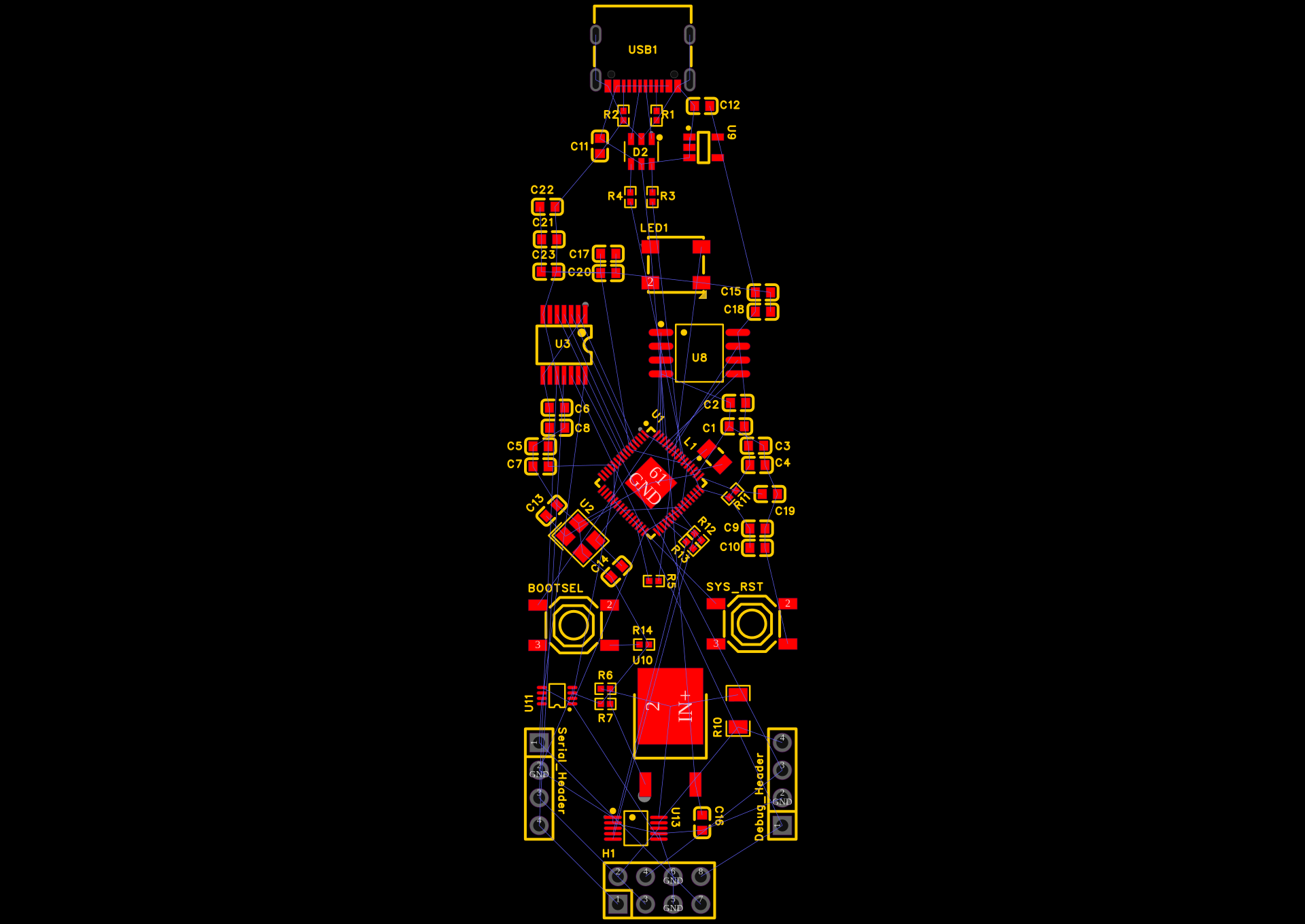
I finally crossed the finish line: the PCB layout for my STM32 flight controller is 100% complete with 0 drc error.
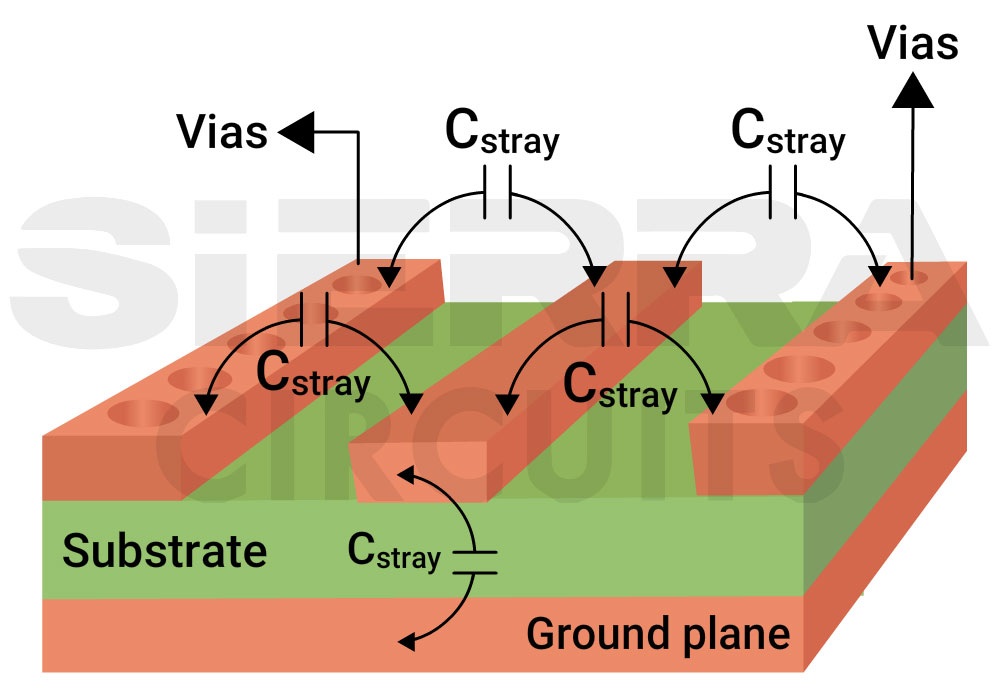
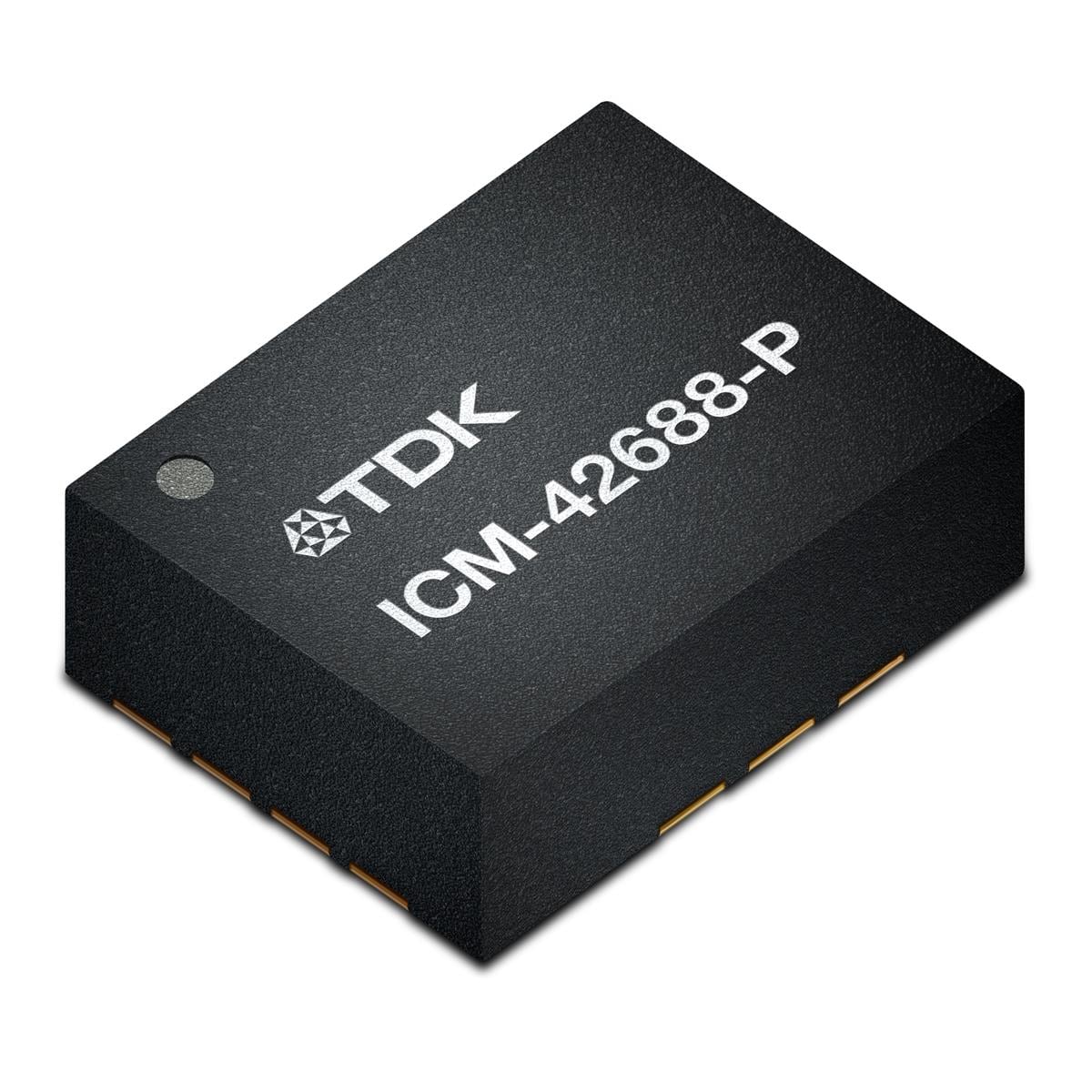
I spent the time making sure all the connections for the STM32F412CEU6 were solid and that my vias were correctly placed to bridge the different layers of the board. It was really satisfying to see the green lines turn into actual copper traces connecting the USB-C port, the test points, and the sensors like the ICM-42688-PC and BMP280.

I also finished the copper pours, which act like a big electrical ground for the whole board. seeing the layout go from a mess of “rat’s nest” lines to a clean, professional-looking circuit board feels like a huge accomplishment. I even did a final Design Rule Check (DRC) to make sure I didn’t have any overlapping traces or short circuits that would ruin the board once it’s manufactured.


Time to order the PCB for my flight controller

Attachment
Attachment
Attachment
Attachment
0
ego

I successfully completed fan-out for STM32F411CEU6.

Since this is a high-density package, I had to be very precise with my vias to ensure that signals could run between the top and bottom layers of the board without interference. Routed USB-C data lines.

I learned that these lines need to be close to each other to maintain signal integrity, which is a bit of a challenge when you’re also trying to fit in the CC1 and CC2 resistors. Also, I have placed and added all 21 test points to the layout. From the BZ+ (buzzer) to the various I/O pins, these pads are now strategically located so I can easily check them after building the board.


I accidentally locked the wire speed, so I had to find a solution for a very long time.


Progress Check
MCU Vias: Complete

USB Routing: Complete

Test Point Placement: Complete
just for self remark

Attachment
0
ego

PCB routing

I have completed the wiring for the RT9193-33GB voltage regulator and the B5819WS Schottky diode. These components will stabilize the power supply and protect the board against accidental reverse-polarity faults.


also I have installed a set of 0402 LEDs (yellow and green) so that I can visually monitor the board’s status—such as when it powers up or if the MCU is signaling an error code.


I realized that the 0402 components—specifically the resistors and capacitors I selected—are truly tiny. Seeing them in the 3D view, situated right next to the 8MHz crystal and the USB-C connector, made me realize just how much precision I would need once I finally began the soldering process. Consequently, I decided to upgrade them to the 0603 package to make soldering significantly easier.

Attachment
Attachment
0
ego

PCB layout start

I’ve just started the PCB layout and spent some time organizing my component list to make sure everything is ready for the PCB layout. My “brain” is the STM32F411CEU6, supported by a high-precision ICM-42688-PC (gyro/accel) and a BMP280 (barometer) for altitude sensing.

I’ve also added 21 test points across the board. As a beginner, I know I’ll need to troubleshoot, so having dedicated pads for BZ+, BZ-, and IO1 will make it much easier to use a multimeter or oscilloscope later.

https://www.lcsc.com/product-detail/C83291.html
https://www.lcsc.com/datasheet/C83291.pdf
https://www.lcsc.com/datasheet/C1337664.pdf

Attachment
Attachment
0
ego

Shipped this project!

Hours: 14.84
Cookies: 🍪 415
Multiplier: 27.94 cookies/hr

major hardware revision transforms the badge from a programmable conference tool into a dedicated RF and security auditing platform.

New Hardware Features in V2:

SAO Header (v1.69bis): Added a standard 2x3 pin header with I2C and 3.3V power, allowing full compatibility with DEF CON style Shitty Add-On boards.

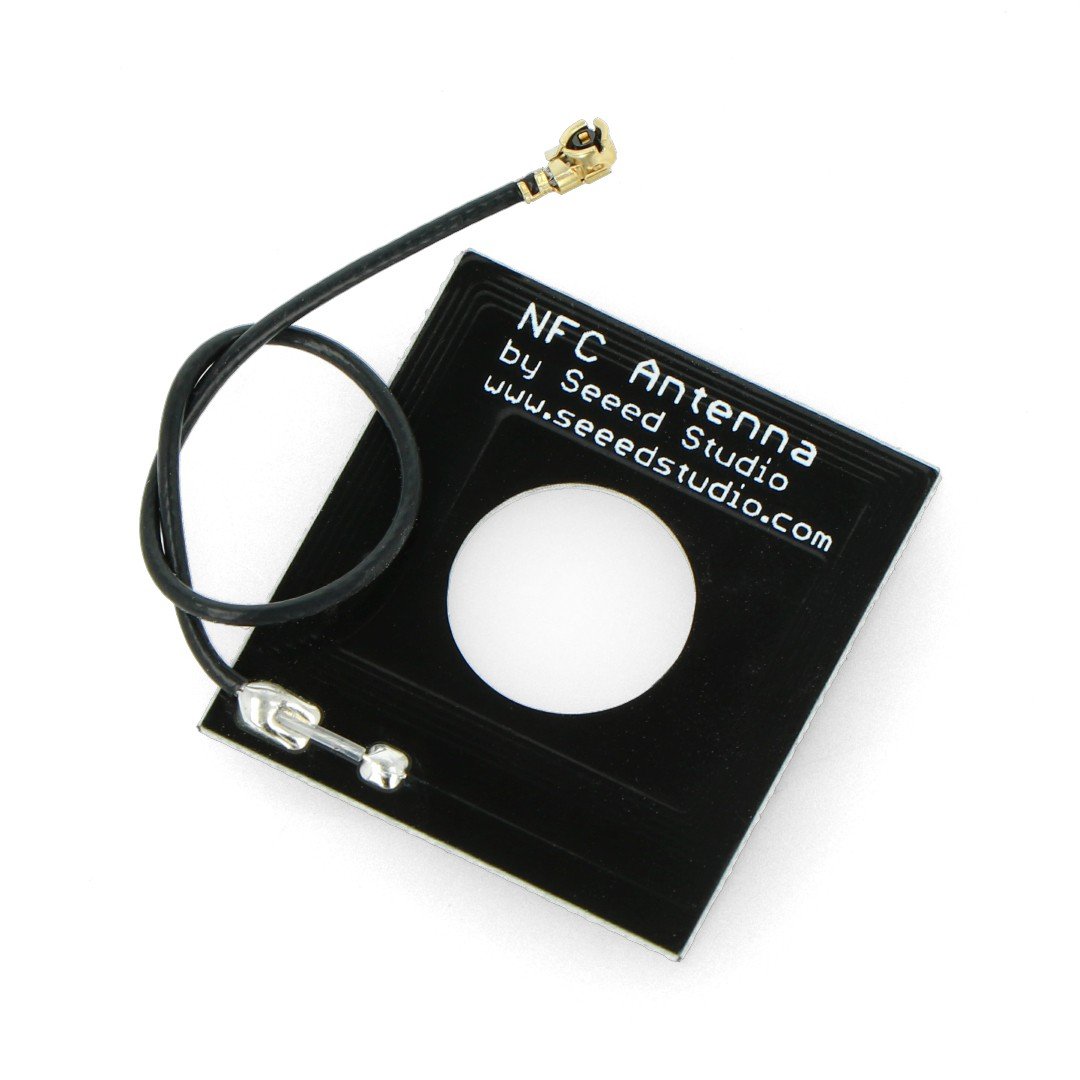
Sub-GHz Radio Integration 433MHz/915MHz antennas.
Infrared Capabilities: the MonaOS beacon hunting framework and TV-B-Gone scripts.
BadUSB Payload Switch: Added a physical SPDT slide switch mapped to GPIO44. This allows users to physically toggle the device into HID injection mode upon boot.

ego

Re-routed internal GPIO mapping to safely isolate the RFM69HCW and IR systems from the Murata 1YN Wi-Fi/BT module.

Retains the 4-layer stackup requirement for proper 50-ohm RF impedance and solid ground shielding.

Attachment
0
ego

It took a long time to DEVLOG but it’s necessary because if I had stopped during my routing I might have forgotten where I left off so I thought let’s finish writing the DEVLOG after it’s complete

My PCB routing is complete except for grounding and other than that all routing is done so I can say that routing part is 90% complete. I will face a lot of problems during my routing process.

I struggled to manage the multiple layers in my design. With so many layers to keep track of, it was easy to get confused and make mistakes.

Ensuring that the grounding and power routing were done correctly was a challenge. I had to carefully plan and execute the routing to avoid any issues.

DRC Errors: The software’s DRC feature highlighted several errors in my design. I had to spend time identifying and resolving these errors to ensure that my design was correct.

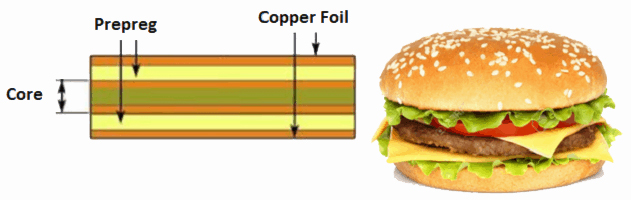
layer stack up for my project :-
Layer 1: Top Signal
Layer 2: Ground Plane
Layer 3: Power Plane
Layer 4: Bottom Signal

What I learned:

The “Layer Filter” is my friend — toggled between top/bottom to avoid confusion lol
Need to be careful not to route signals over ground plane splits (mental note for later)

Attachment
Attachment
0
ego

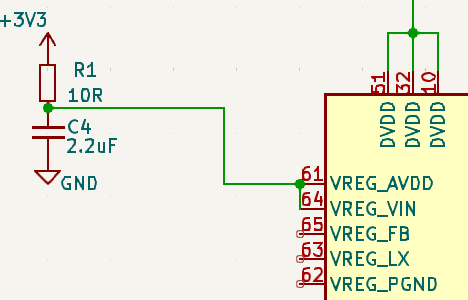
After adding the RF module, I’ll need to reroute the RP2350 because I need about 10 more pins for the RF module and the IR Blaster IR receiver.

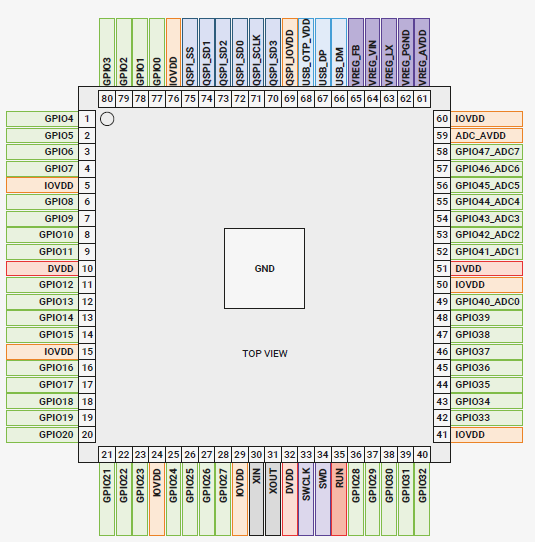
I’ll also need to reposition my RP2350 for better routing because in the previous design, each GPIO pin can be connected to an internal peripheral via the GPIO function described below. Some internal peripheral connections appear in multiple locations for system-level flexibility.

I had no way to create a network between my RF module, the Air Blaster IR receiver, and the RP2350. I was trying to route as much as possible at the lower layers, but I think I’ll have to use the power out layer and the ground layer for this design.

Attachment
0
ego

I messed up with the E07-M1101D,


I thought it was a SMD component but, you thought that the through hole component would come out or the smd version of it would not be available, so I switched the module high RFM69HCW-915S2R 433MHz SPI 10dBm 1000m Wireless RF Transceiver Module RF Modulation, but I fixed it you can see it in the attachment below,

see you soon

Attachment
0
ego

I’ve just finished my schematic and reviewed every single net pin and passive component, including all the new components I just added. Now all that’s left is a drc check and some rearrangements because not every drawing is perfect.

0
ego

version 2.0


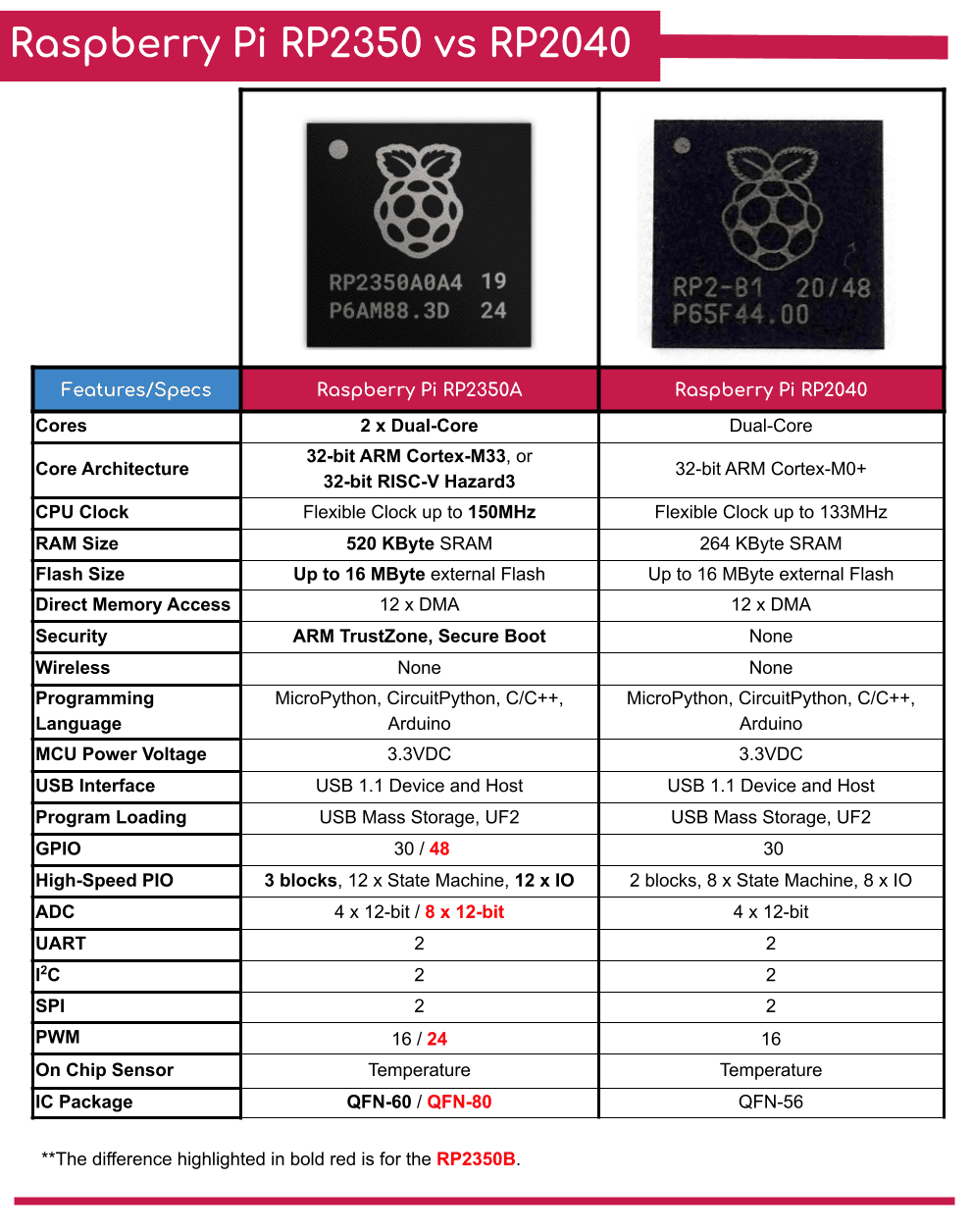
Since we already have a powerful base with the RP2350, Wi-Fi/Bluetooth, and lots of memory, I’m thinking about adding more features for RF play, such as

  • Sub-GHz radio
  • IR transmitter and receiver (the original GitHub Universe badge actually has this built-in for beacon hunting and remote control).
0
ego

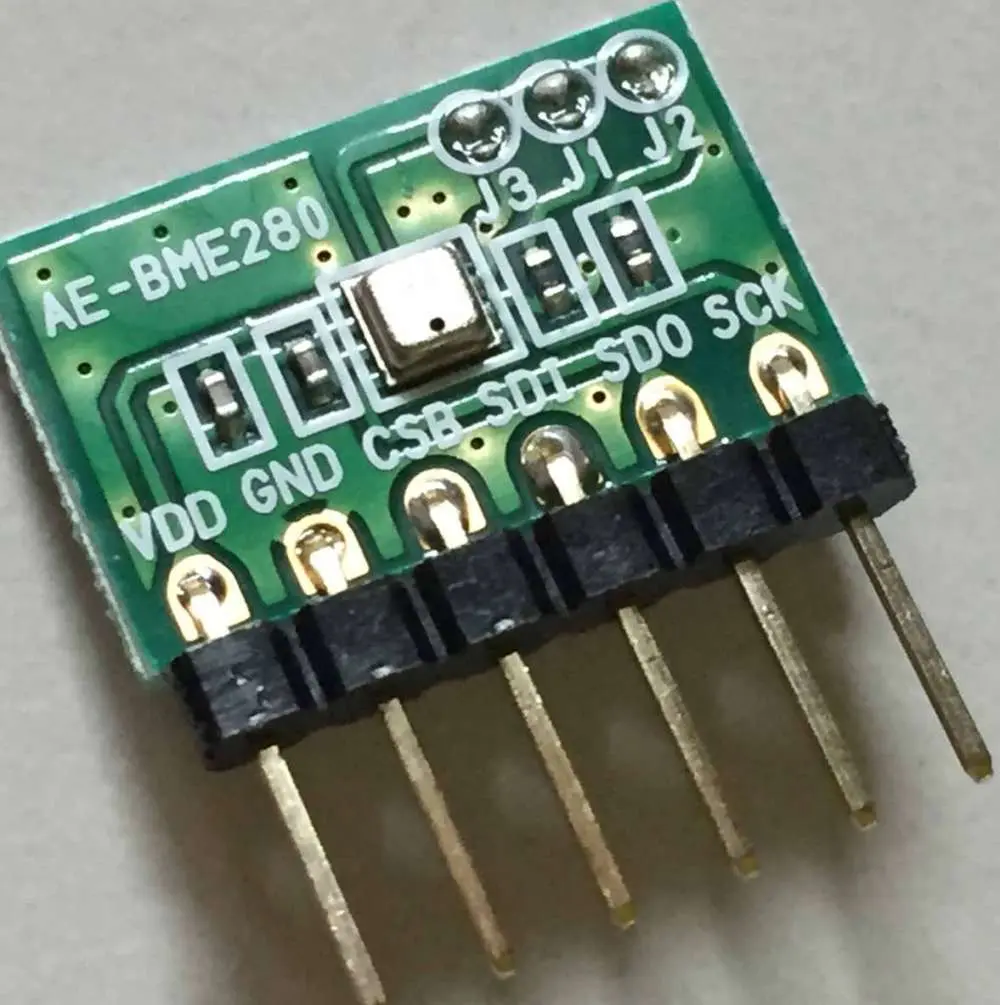
The second session focused on delving deeper into my flight controller’s senses and tuning the basic connectivity. I focused on connecting the ICM-42688-P (a high-precision 6-axis motion tracking (https://www.lcsc.com/datasheet/C48586483.pdf) device) and the BMP280 barometric pressure sensor bosch (https://www.lcsc.com/datasheet/C83291.pdf). Reading the data sheets was a challenge i am not able to understand any thing at first , but I successfully mapped the SPI/I2C pins to ensure the STM32 could talk to them without any lag.

Attachment
0
ego

I started creating my schematics for my flight controller, and I’m using an STM-based MCU, the Stm32F412CUE6. I came to this decision after a lot of research and comparisons of STM32 series processors, such as the STM32 F4/G4/F7/H7. Choosing the right flight controller processor is very important when building a drone flight controller. F1, F3, F4, G4, F7, and H7 are all different types of processors used in flight controllers. So for now, I’m going with the stm32F412CUX.

0
ego

Shipped this project!

Hours: 15.01
Cookies: 🍪 202
Multiplier: 22.64 cookies/hr

shipping nowwwwwwwwwwwwwwwww
In this version, the board can now plug directly into a car and safely run on the car’s 12V battery.
Added a 16-pin OBD2 male connector footprint to plug the board straight into a vehicle.

ego

Shipped this project!

Hours: 25.89
Cookies: 🍪 403
Multiplier: 15.58 cookies/hr

I just finished building my own custom HACKable conference badge from scratch! It’s powered by an RP2350 and has full Wi-Fi, Bluetooth, and a display connector.

it can run custom Python apps, games, and live API scripts right out of the box. or use as a conference badge lol


The hardest part was definitely fighting those annoying phantom DRC errors in EasyEDA and learning how to route a 50-ohm RF trace for the antenna without ruining the signal.
I finally figured it out by swapping my wire labels to actual Net Ports.

ego

Version 2.0 is complete.

I have added OBD II port to the plug in car and you can switch between USB and any other car.
componet i have used;-
XL1509-3.3E1
1N5819 - Protection Diode
47uH SMD Inductor
OBD2 port

0
ego

I have completed the PCB routing, now I just have to do DRC checks and solve them. In this version, I have added a OBD port and a Buck converter for direct power. I am thinking of adding a SD port for data logging as well.

0
ego

I have completed the planning, now I have started PCB routing, but almost 1.5 hours of my time in laps has been lost.

0
ego

version 2.0 start


In this version, I added a port to run it on vehicle power and also a buck converter which will reduce the voltage from 40V to 3.3V. I have completed its schematic, I just have to make the buck converter properly so that there is no voltage leak.

0
ego

finally my pcb for HACLABLE BDGE is completed now.


in next version i will ADD some new feature, if you have any ideas which i can add drop in comment

0
ego

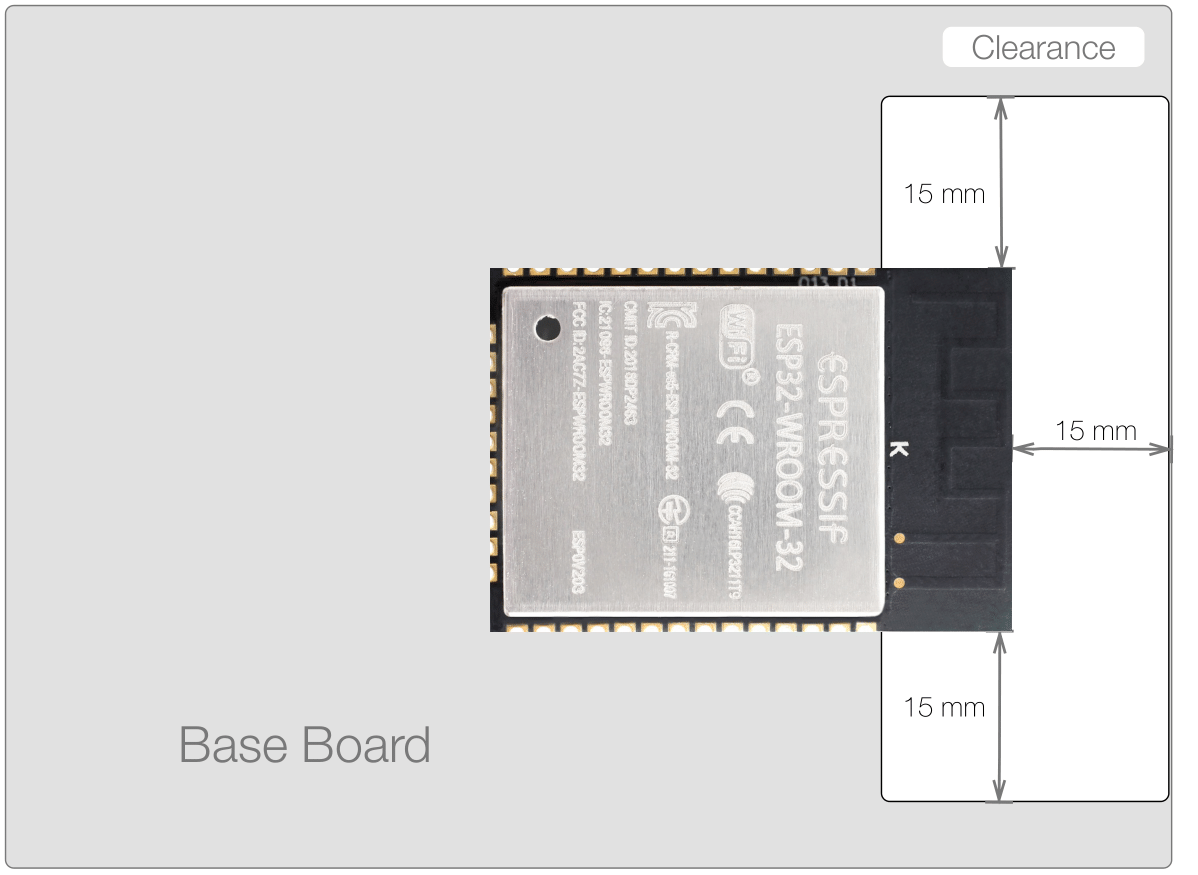
What was feared happened, I am redesigning the antenna of my PCB, so everything else is fine. I have read many application notes for this from the company’s side but still found something strange, if I change this chip itself then it will not work with the firmware SIDE , my mind is crazy.

0
ego

finally yeahhhhhhhhhhhhhhhhhhhhhhhhhhhhhhhhhhhhhhh !


Oh my god, finally my PCB is complete, I have uploaded some photos below (many photos, please check them), I have also done DRC check, there is not a single error, I have also done the antenna work, now before shipping this project, I just have to do a final check of all the routing and then it is done.

Attachment
Attachment
Attachment
Attachment
0
ego

What a hard routing it was, but after several hours I finally completed the routing, yes it was fun, now I just have to check the WiFi antenna once and then redesign it because one mistake and it will not work properly at all, I learned a lot from this project.

0
ego

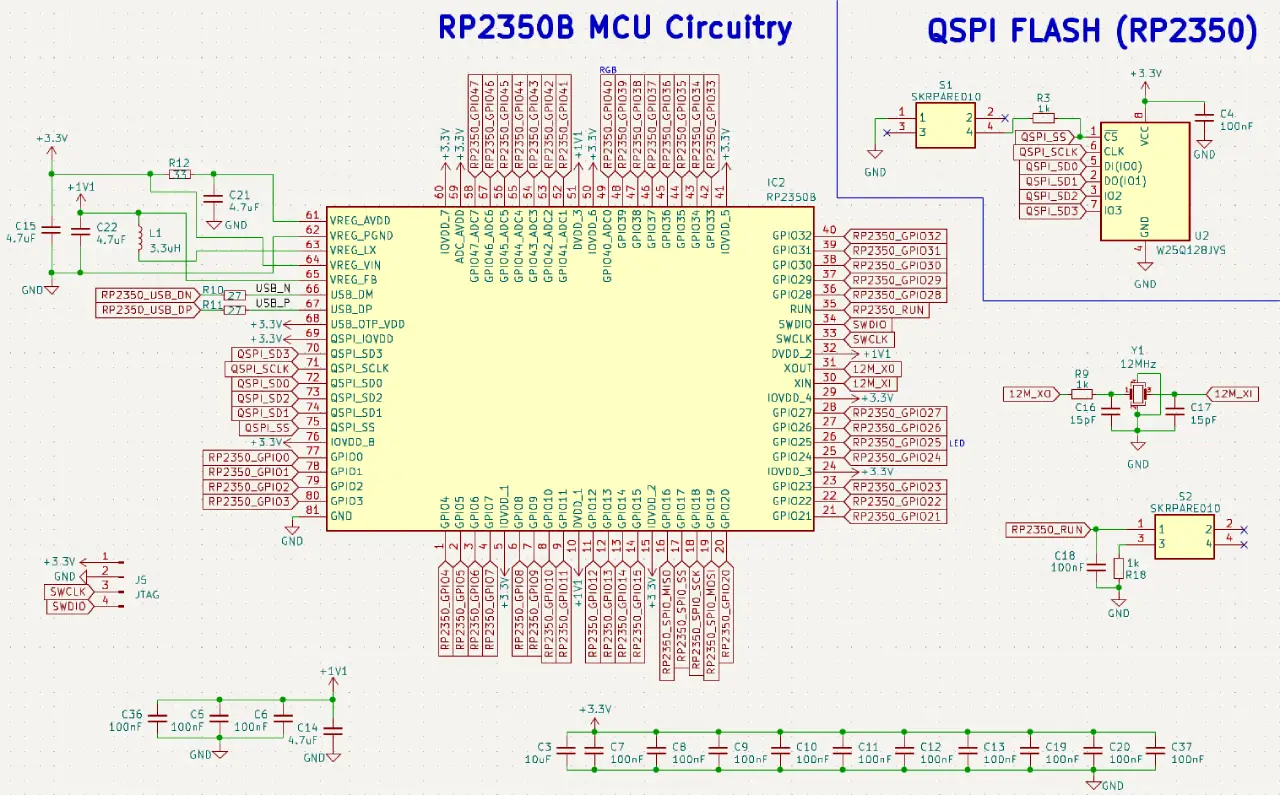
Working on the RP2350b PCB routing, I’m 60% done and now all that’s left is routing my PCB antenna and the most important part of the build.

2

Comments

Slivy
Slivy 22 days ago

i feel this should be on blueprint not flavourtown lol

ego
ego 22 days ago

You can build anything technical, so why not hardware, and Blueprint won’t give you any cookies for building the project.

ego

is Routing for the RP2350B is becoming complicated and frustrating in a four layer PCB but I just managed to find the right combination for it and I have deleted my entire routing several times, but yes, I am enjoying it a lot.

0
ego

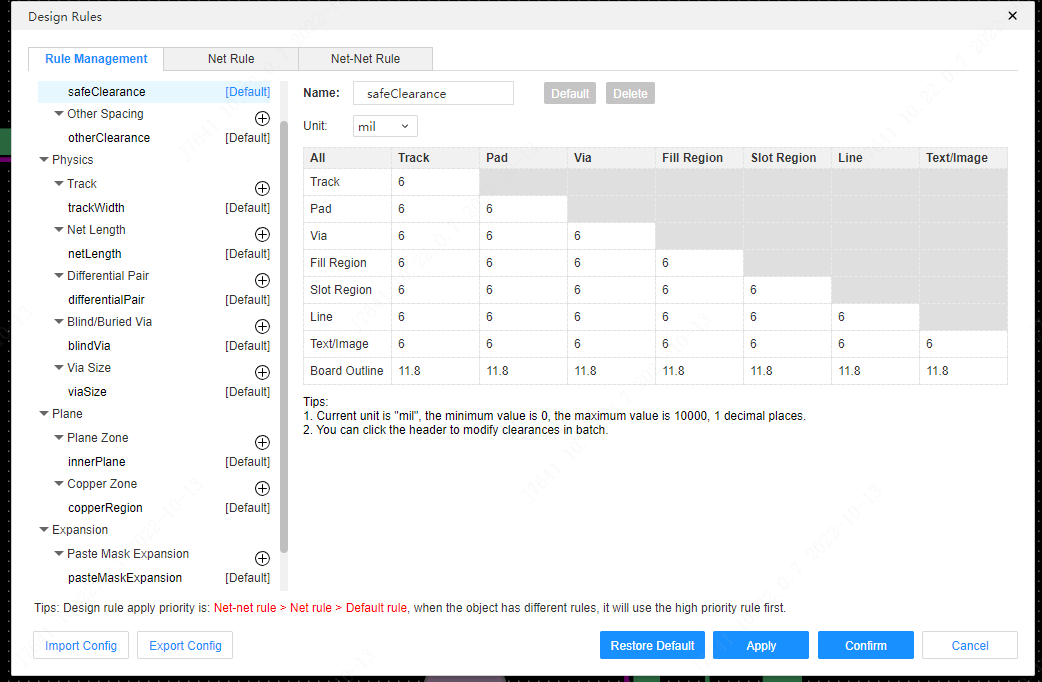
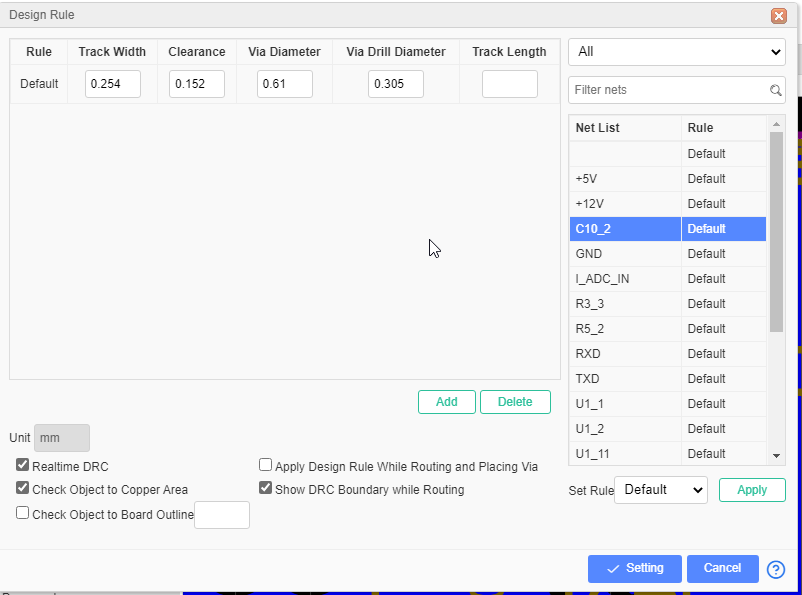
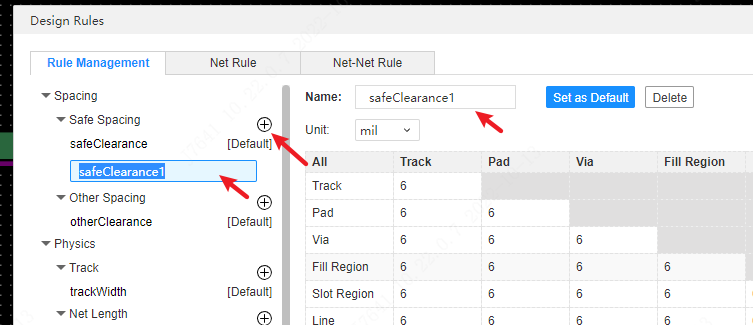
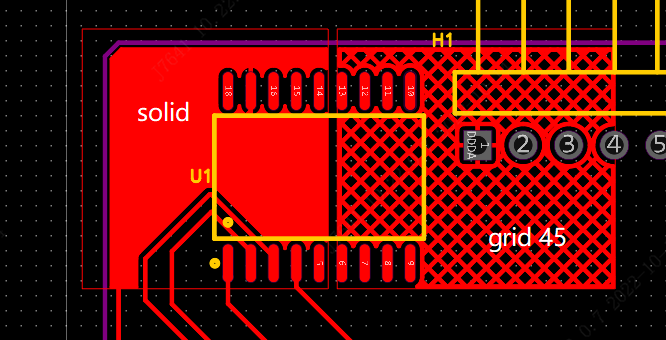
i am finally able to create custom drc rules and layer stackup for 4 layr pcb
-Layer Stackup:
Top Layer (Red): Components and short signal wires.
Inner Layer 1 (Yellow): SOLID GROUND (GND). Nothing else.
Inner Layer 2 (Green): Power routing (3V3, VSYS, 1V1).
Bottom Layer (Blue): Long signal wires passing under the chips.

0
ego

Completed the schematic and footprints!!!
Part I HAVE USE:-
SM04B-SRSS-TB(LF)(SN)
AFC07-S24FCA-00
3.3uH
19-213/T1D-KS1T1N/3T
PT19-21B/L41/TR8
BSS138
FS8205A
TS-1187A-C-E-B
RP2350B
CYW43439KUBGT
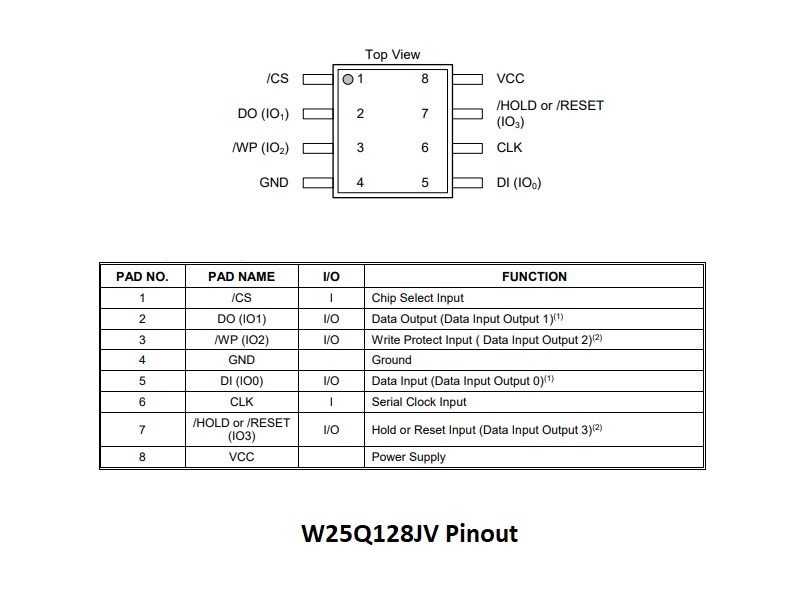
W25Q128JVSIQ
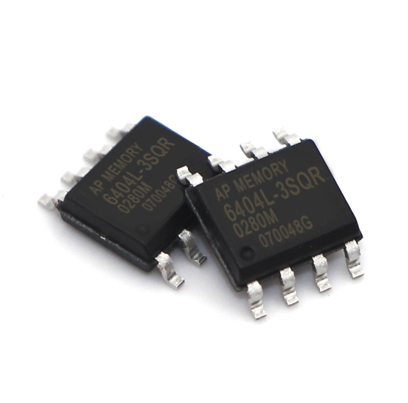
APS6404L-3SQR-SN
MCP73831T-2ACI/OT
XB6096I2SV
PCF85063AT/AAZ
ABM8-272-T3
DW01A
TLV62569DBVR
S2B-PH-K-S(LF)(SN)
TYPE-C16PIN
32.768kHz

Attachment
Attachment
2

Comments

aloyak
aloyak 24 days ago

is any of these secretly a steam gift card?

ego
ego 24 days ago

heheyhhehheehehhehe no dude its my component list bro

ego

I spent an hour fixing the RP 2350 and the wiring is proving to be very difficult. I just finished the Type C connections, the Flash IC, the RAM connections and finally the power connection.

Attachment
Attachment
0
ego

power line is complete now
component i added no :-
TLV62569
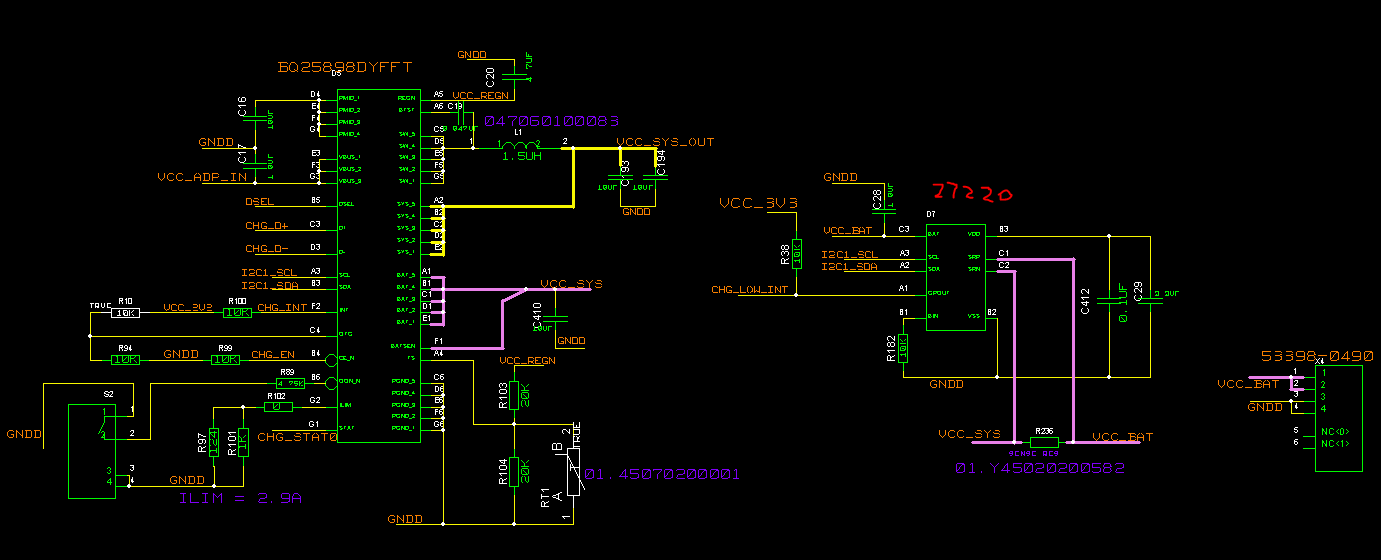
Join USB and Battery
LiPo Charging
Battery Protection

Attachment
0
ego

i spent hour in component selection for my badge , it kind Frustrating to find a component for hardware projct

Attachment
0
ego

Shipped this project!

Hours: 8.88
Cookies: 🍪 138
Multiplier: 15.56 cookies/hr

This is my first project ship

i final learn to make a 4 layer pcb in EASYEDA(i also want to learn KICAD)
and i am also learn lot about STM32 .
This board is powered entirely by the 5V USB connection, if you use this Do not connect 12V or 24V vehicle power to the CAN header, as the current power regulator is not designed for high voltage.

furtherr i will ship more STM32 based project

ego

version one is completed now please have a look
https://github.com/ego10-ai/can-sniffer/releases/tag/v1.0.0

in this version :–
Core components: STM32G431CBU6 microcontroller and TJA1462 transceiver.
Supports standard CAN 2.0 and CAN FD networks.
Includes a 2-pin header and jumper cap to easily turn the 120 ohm termination resistor on or off.
4 status LEDs on board.

Attachment
0
ego

finally my pcb for can sniffer is completed now.
component list for my can sniffer:-

  • ARM Cortex-M4 Microcontroller STM32
  • TJA1462ATX CAN FD Transceiver
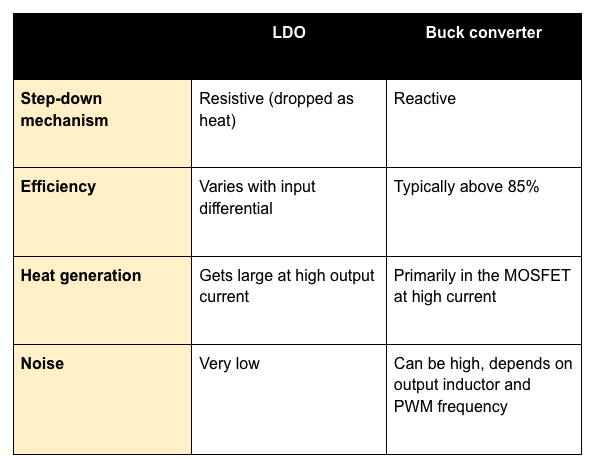
  • 3.3V LDO Linear Regulator
  • USB Type-C Receptacle (SMD 073)

in next version i will OBD port so it directly run using car power

Attachment
Attachment
0
ego

In an attempt to keep the PCB size of my project small, I ended up using a 4-layer PCB, and after that, it was not routing at all. After a lot of effort, I finally managed to route the MCU. Now, routing the remaining components will not take much time.

Attachment
0
ego

MY SCHEMETIC WORK IS DONE AND DRC CHECK IS ALSO WITH 0 ERRORS,
NOW ITS TIME TO MAKE PCB

Attachment
0
ego

SCHEMATIC IS COMPLETE FOR NOW ONLY THING IS REMAINING NOW IS DRC CHECK,
I AM USING STM32 AS A BRAIN FOR MY SNIFFER

Attachment
0
ego

component selection is almost done

Attachment
0
ego

I’m working on my first project! This is so exciting. I can’t wait to share more updates as I build.

Attachment
0