drone flight controller   banner

drone flight controller

8 devlogs
20h 9m 59s

I am building a my own flight controller using STM32 , This is a compact, custom-designed flight controller project based on the STM32 architecture. It is designed for high-performance motion tracking and stable flight processing.

  • STM32…

I am building a my own flight controller using STM32 , This is a compact, custom-designed flight controller project based on the STM32 architecture. It is designed for high-performance motion tracking and stable flight processing.

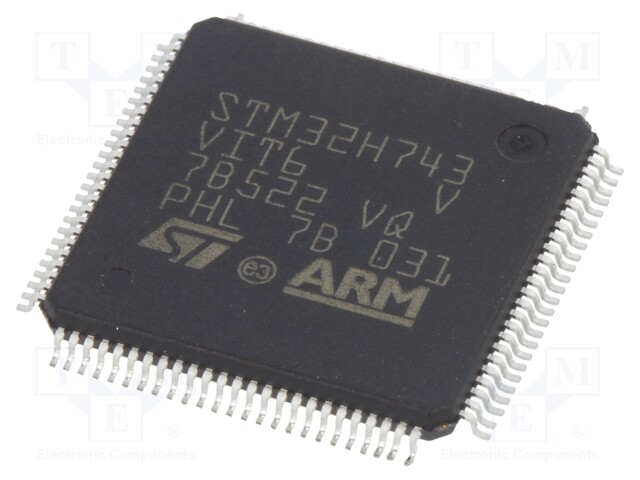
  • STM32F412CEU6 high-performance MCU integrated as the main flight processor.
  • 8MHz external resonator added for stable system timing.
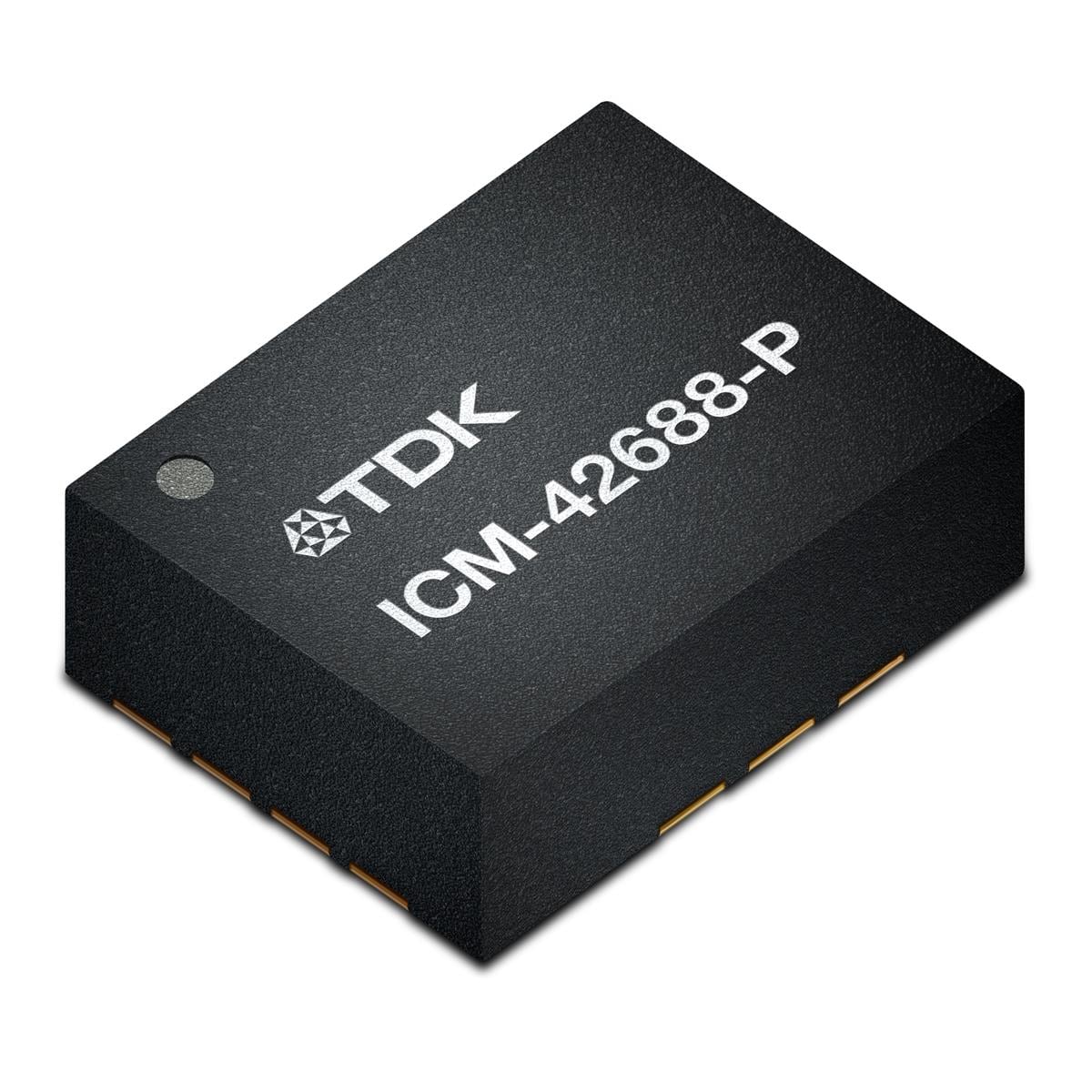
  • ICM-42688-PC 6-axis IMU implemented for high-precision motion tracking.
  • BMP280 barometer included for accurate altitude data.
Demo Repository

Loading README...

ego

I’m upgrading my flight controller to the STM32F405

which is the most popular chip for analog flight controllers because it has a higher clock speed of 168 MHz and larger flash memory.

I’m also considering adding additional flash memory. Although this will increase the price, the upgrade is worth it. This allows for faster PID loop frequencies and more advanced features in Betaflight or INAV.

I’m also building this for FPV, which will include an ESC camera and video transmission, so a fast MCU is essential.

Attachment
0
ego

Shipped this project!

The hardware design phase has officially concluded, and I have ordered the PCBs! The final board features the STM32F412CEU6 as the main flight processor. Components for the 0603-sized footprints on the board are being sourced from LCSC.


As soon as the boards arrive and assembly is complete, I will provide further details.

ego

PCB Design Completed!

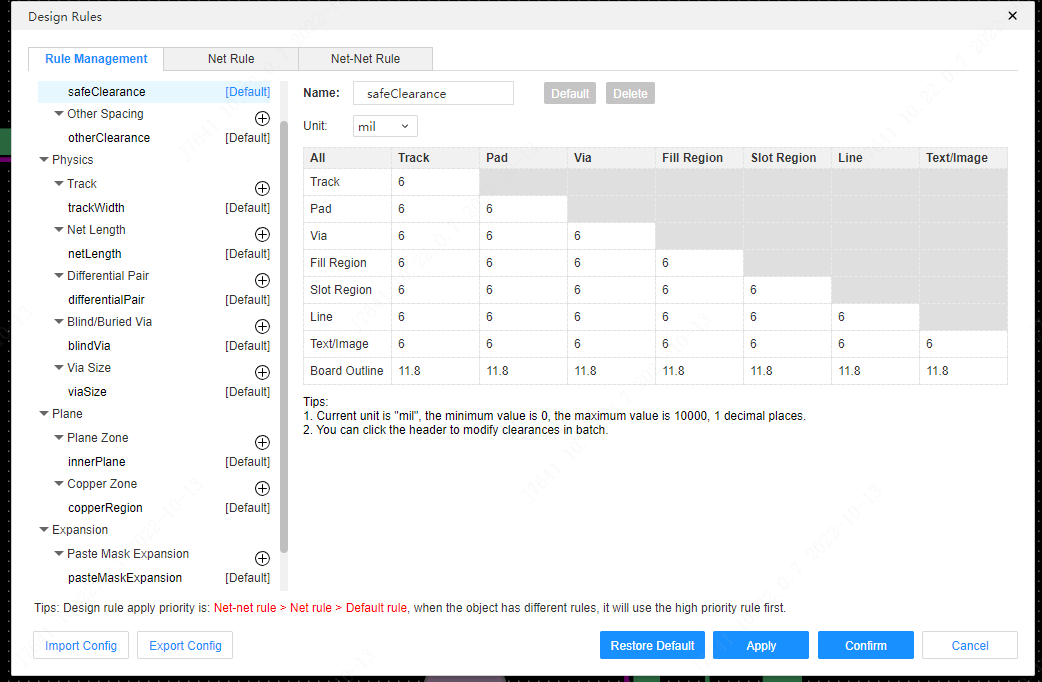
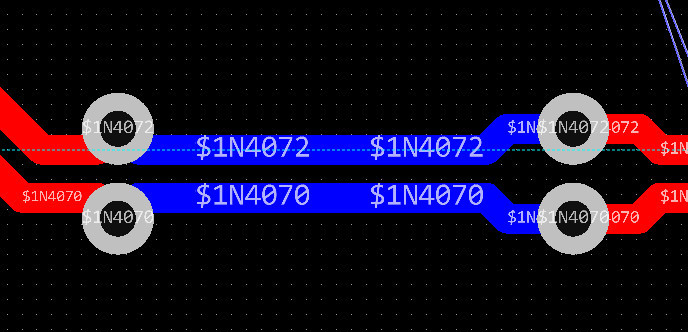
I finally crossed the finish line: the PCB layout for my STM32 flight controller is 100% complete with 0 drc error.
I spent the time making sure all the connections for the STM32F412CEU6 were solid and that my vias were correctly placed to bridge the different layers of the board. It was really satisfying to see the green lines turn into actual copper traces connecting the USB-C port, the test points, and the sensors like the ICM-42688-PC and BMP280.

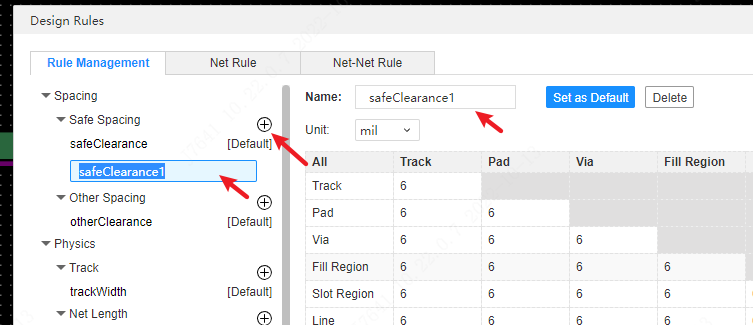
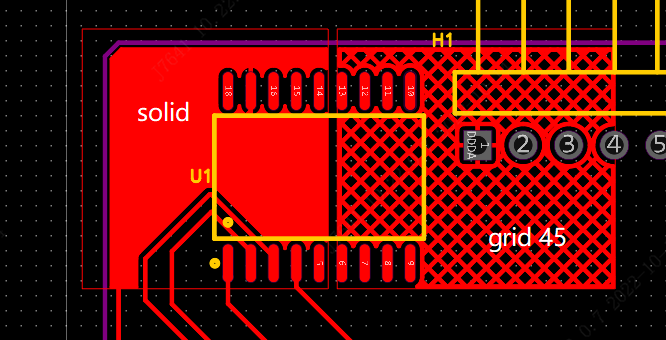
I also finished the copper pours, which act like a big electrical ground for the whole board. seeing the layout go from a mess of “rat’s nest” lines to a clean, professional-looking circuit board feels like a huge accomplishment. I even did a final Design Rule Check (DRC) to make sure I didn’t have any overlapping traces or short circuits that would ruin the board once it’s manufactured.


Time to order the PCB for my flight controller

Attachment
Attachment
Attachment
Attachment
0
ego

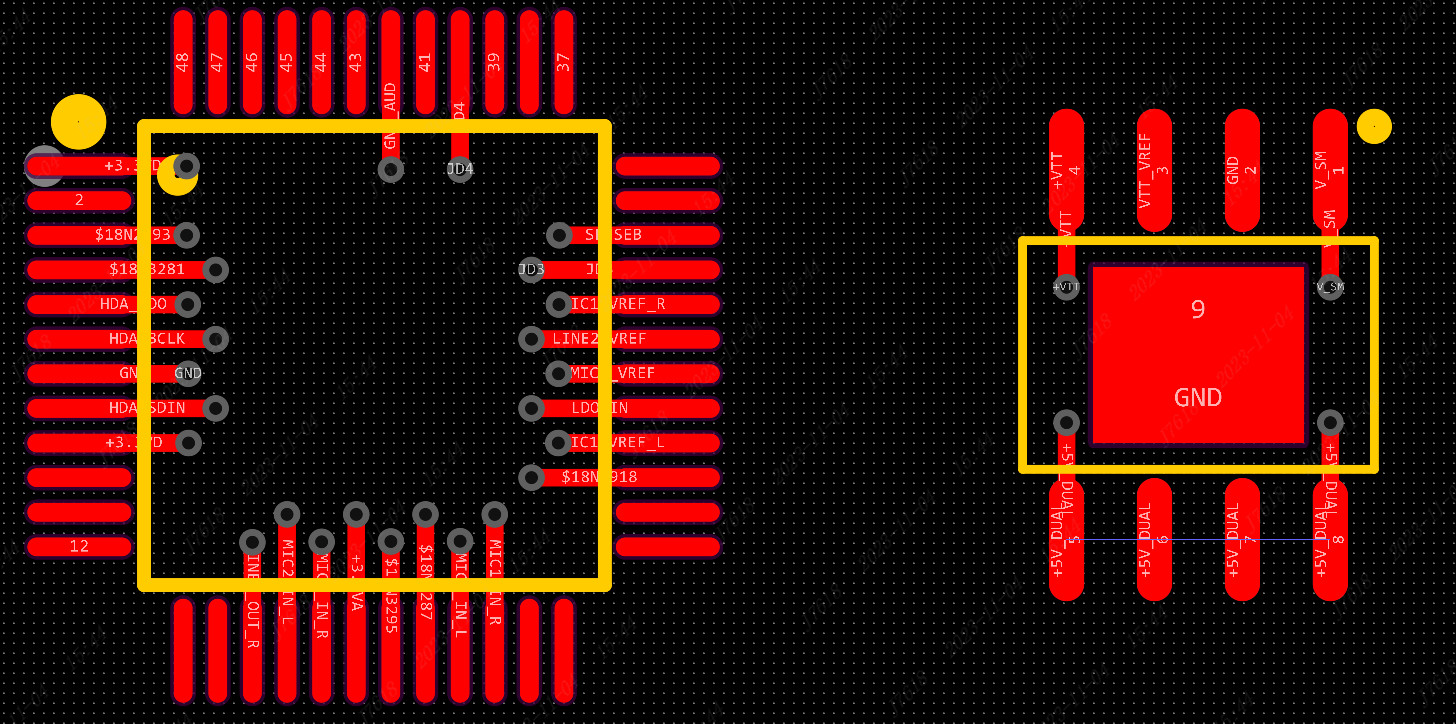
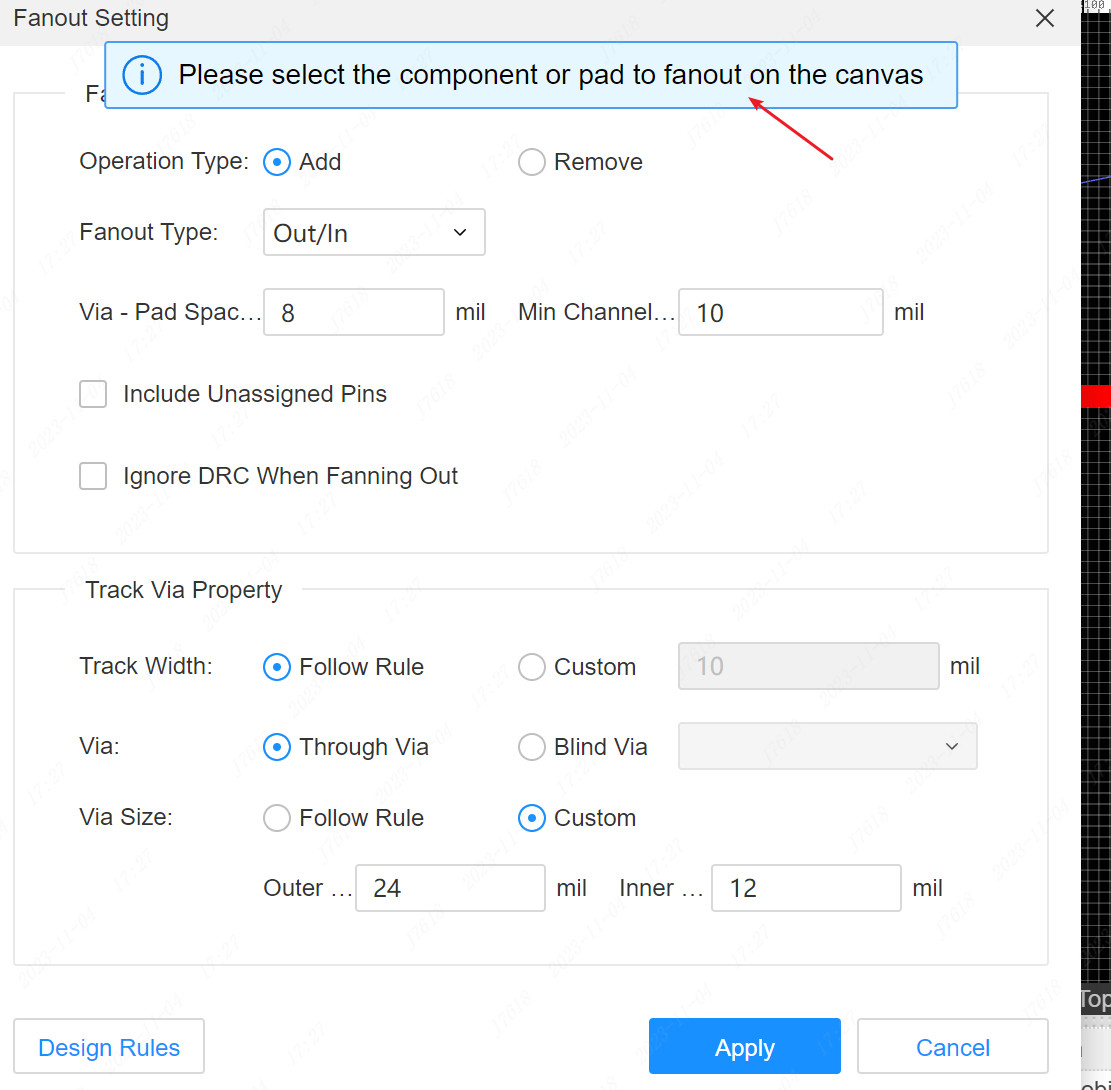
I successfully completed fan-out for STM32F411CEU6.

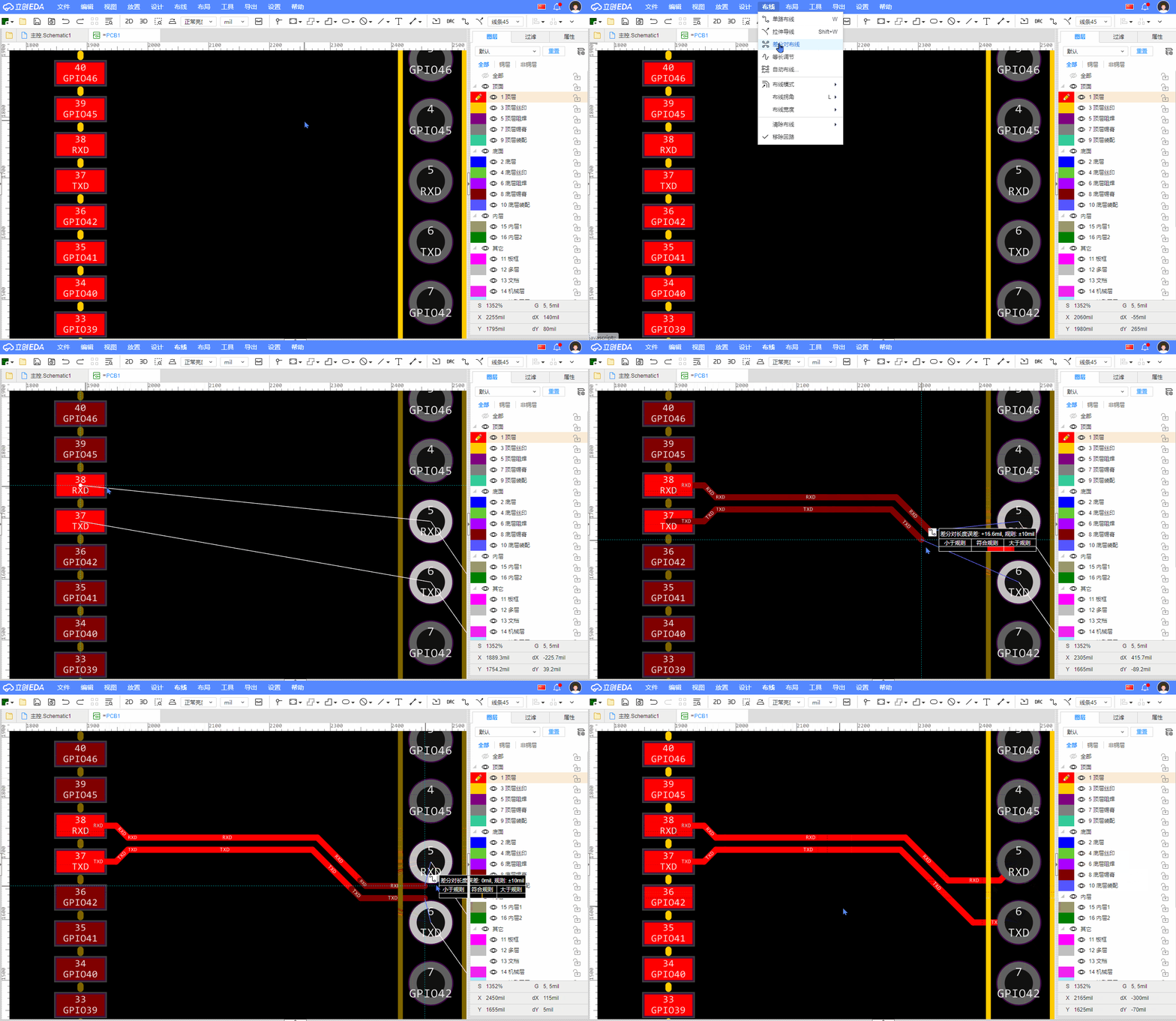
Since this is a high-density package, I had to be very precise with my vias to ensure that signals could run between the top and bottom layers of the board without interference. Routed USB-C data lines.

I learned that these lines need to be close to each other to maintain signal integrity, which is a bit of a challenge when you’re also trying to fit in the CC1 and CC2 resistors. Also, I have placed and added all 21 test points to the layout. From the BZ+ (buzzer) to the various I/O pins, these pads are now strategically located so I can easily check them after building the board.


I accidentally locked the wire speed, so I had to find a solution for a very long time.


Progress Check
MCU Vias: Complete

USB Routing: Complete

Test Point Placement: Complete
just for self remark

Attachment
0
ego

PCB routing

I have completed the wiring for the RT9193-33GB voltage regulator and the B5819WS Schottky diode. These components will stabilize the power supply and protect the board against accidental reverse-polarity faults.


also I have installed a set of 0402 LEDs (yellow and green) so that I can visually monitor the board’s status—such as when it powers up or if the MCU is signaling an error code.


I realized that the 0402 components—specifically the resistors and capacitors I selected—are truly tiny. Seeing them in the 3D view, situated right next to the 8MHz crystal and the USB-C connector, made me realize just how much precision I would need once I finally began the soldering process. Consequently, I decided to upgrade them to the 0603 package to make soldering significantly easier.

Attachment
Attachment
0
ego

PCB layout start

I’ve just started the PCB layout and spent some time organizing my component list to make sure everything is ready for the PCB layout. My “brain” is the STM32F411CEU6, supported by a high-precision ICM-42688-PC (gyro/accel) and a BMP280 (barometer) for altitude sensing.

I’ve also added 21 test points across the board. As a beginner, I know I’ll need to troubleshoot, so having dedicated pads for BZ+, BZ-, and IO1 will make it much easier to use a multimeter or oscilloscope later.

https://www.lcsc.com/product-detail/C83291.html
https://www.lcsc.com/datasheet/C83291.pdf
https://www.lcsc.com/datasheet/C1337664.pdf

Attachment
Attachment
0
ego

The second session focused on delving deeper into my flight controller’s senses and tuning the basic connectivity. I focused on connecting the ICM-42688-P (a high-precision 6-axis motion tracking (https://www.lcsc.com/datasheet/C48586483.pdf) device) and the BMP280 barometric pressure sensor bosch (https://www.lcsc.com/datasheet/C83291.pdf). Reading the data sheets was a challenge i am not able to understand any thing at first , but I successfully mapped the SPI/I2C pins to ensure the STM32 could talk to them without any lag.

Attachment
0
ego

I started creating my schematics for my flight controller, and I’m using an STM-based MCU, the Stm32F412CUE6. I came to this decision after a lot of research and comparisons of STM32 series processors, such as the STM32 F4/G4/F7/H7. Choosing the right flight controller processor is very important when building a drone flight controller. F1, F3, F4, G4, F7, and H7 are all different types of processors used in flight controllers. So for now, I’m going with the stm32F412CUX.

0